acollier.ca
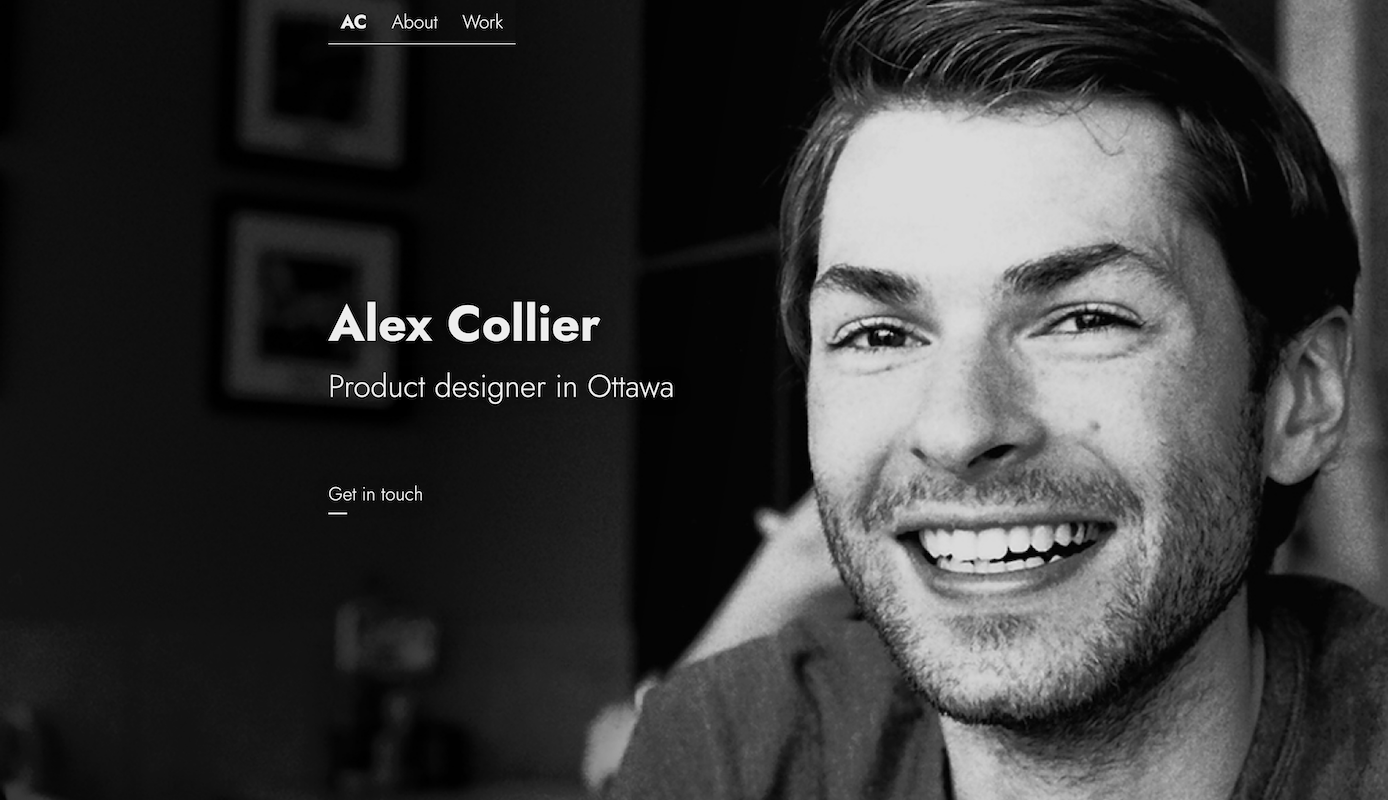
I built my portfolio from the ground up to showcase my skills in design, and development. When I started working on it, I determined the site needed to:
- Introduce me, and my work experience
- Highlight samples of my work
- Provide a method to contact me
- Allow me to update portfolio items quickly, and easily; like a blog
If any of these assumptions are mistaken, let me know.
Structure
First, I sketched out a rough site structure. The goals of the site are pretty simple, so they map pretty easily to its structure. I did this with text, but if it was more complex, I would have used some sort of diagram.
# acollier.ca structure## 📄 HomeURL: `/`Content: Who I am, what I do, how to reach## 📄 AboutURL: `/about/`Content: Experience, Education, Skills## 📄 WorkURL: `/work/`Content: Grid view of child pages/portfolio itemsChild pages:- 📄 Portfolio item - URL: `/work/:slug`## 📄 ContactURL: `/contact/`Content: A contact form and call to actionDesign
Once I had this, I moved on to design and prototyping. I chose to do this in Figma to get familiar with the application.
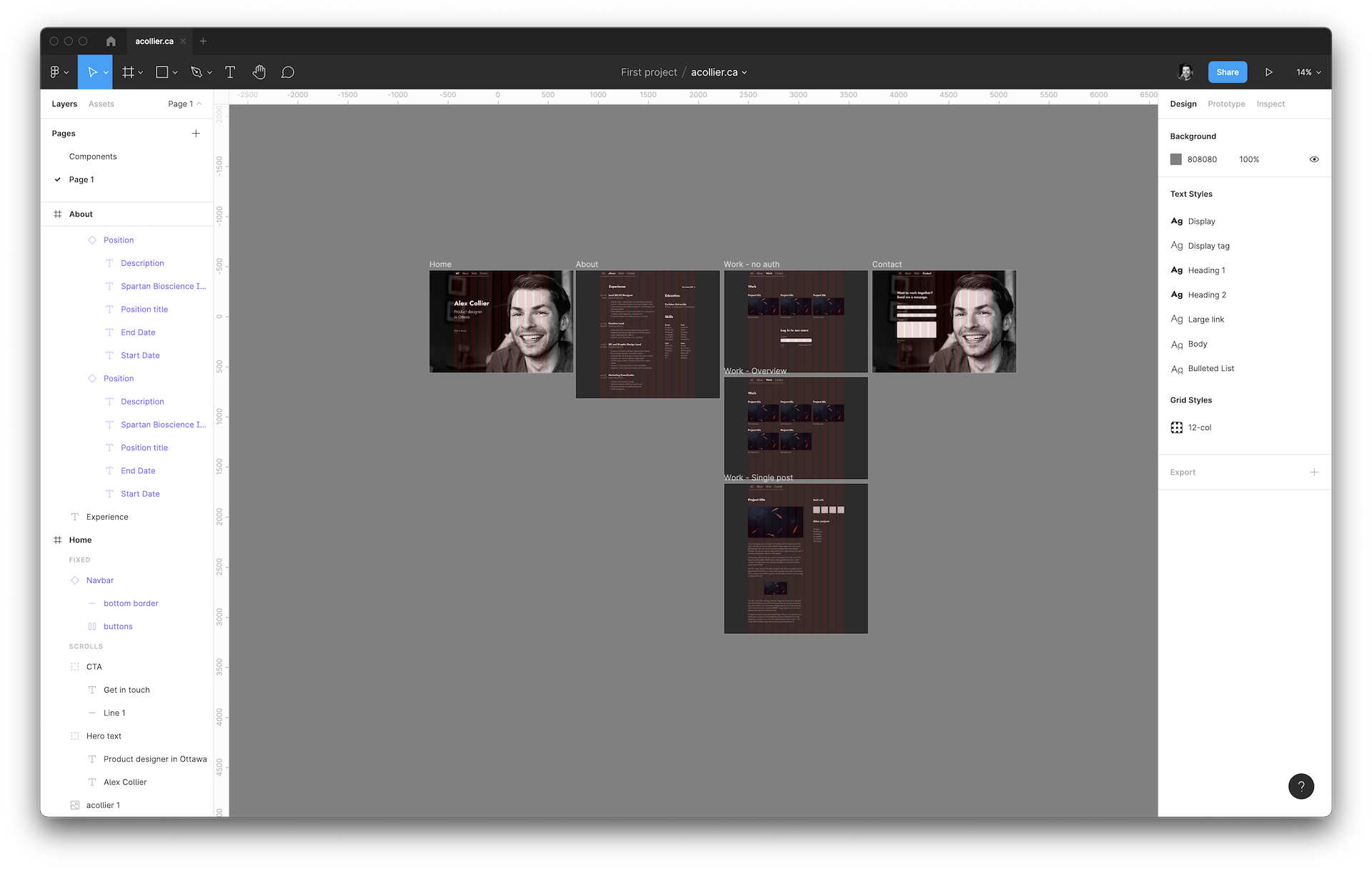
Before now, I had mostly worked in Adobe XD, and I wanted to see how they stack up. I missed some parts of XD, but I also really enjoyed working in Figma. Both programs let you very quickly put together high fidelity prototypes. For a site this simple, this essentially let me combine wireframing with design.
I used a minimal, typography driven design to keep my visitors' attention focusd on my content. Using spacing and element size to create hierarchy allowed me to maintain a very lean type system. In order to keep the site from feeling stiff, and static, I made sure to implement subtle transitions, animations, and interactions where appropriate.
For mobile design, I didn't bother creating another set of designs in Figma. I only designed 3 layouts, and it was easy enough to visualize how the columns would collapse. Sometimes large headers can be a concern on mobile, but when I accounted for this when I set up my type system.
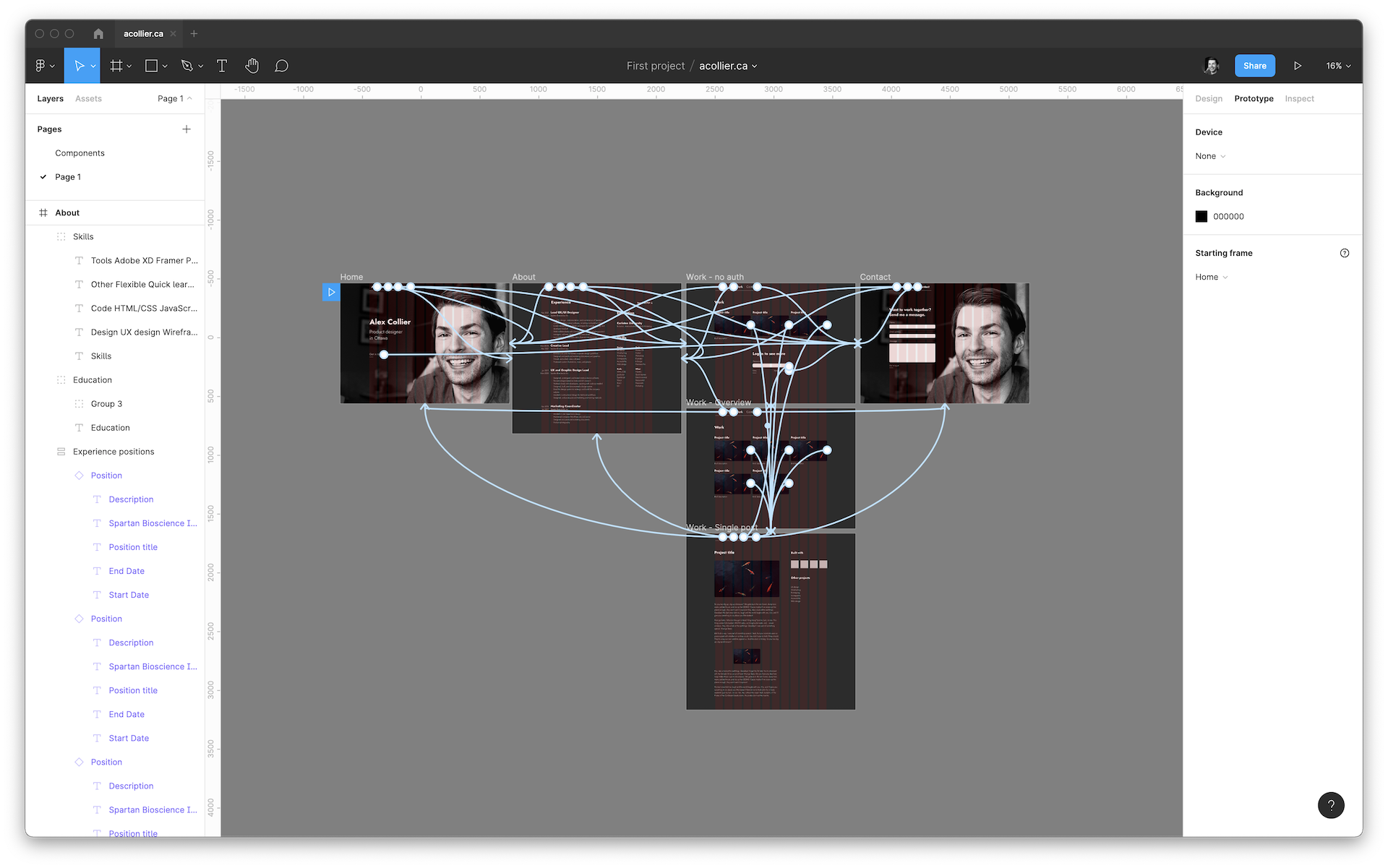
Prototyping for the site was fairly minimal. Since Figma doesn't support transitioning component states without additional artboards yet, there wasn't much to do beyond wiring up all the links
Development
A lot of this site is incredibly simple, and could have been done with static HTML and CSS. Since I wanted the portfolio section to function similarly to a blog, it made a lot of sense to use a static site generator. I chose Nuxt.js since I'm very comfortable with Vue, and it's the most mature solution in that space. It also let me use data driven components for many of the repeated elements on the site—a huge productivity boost.
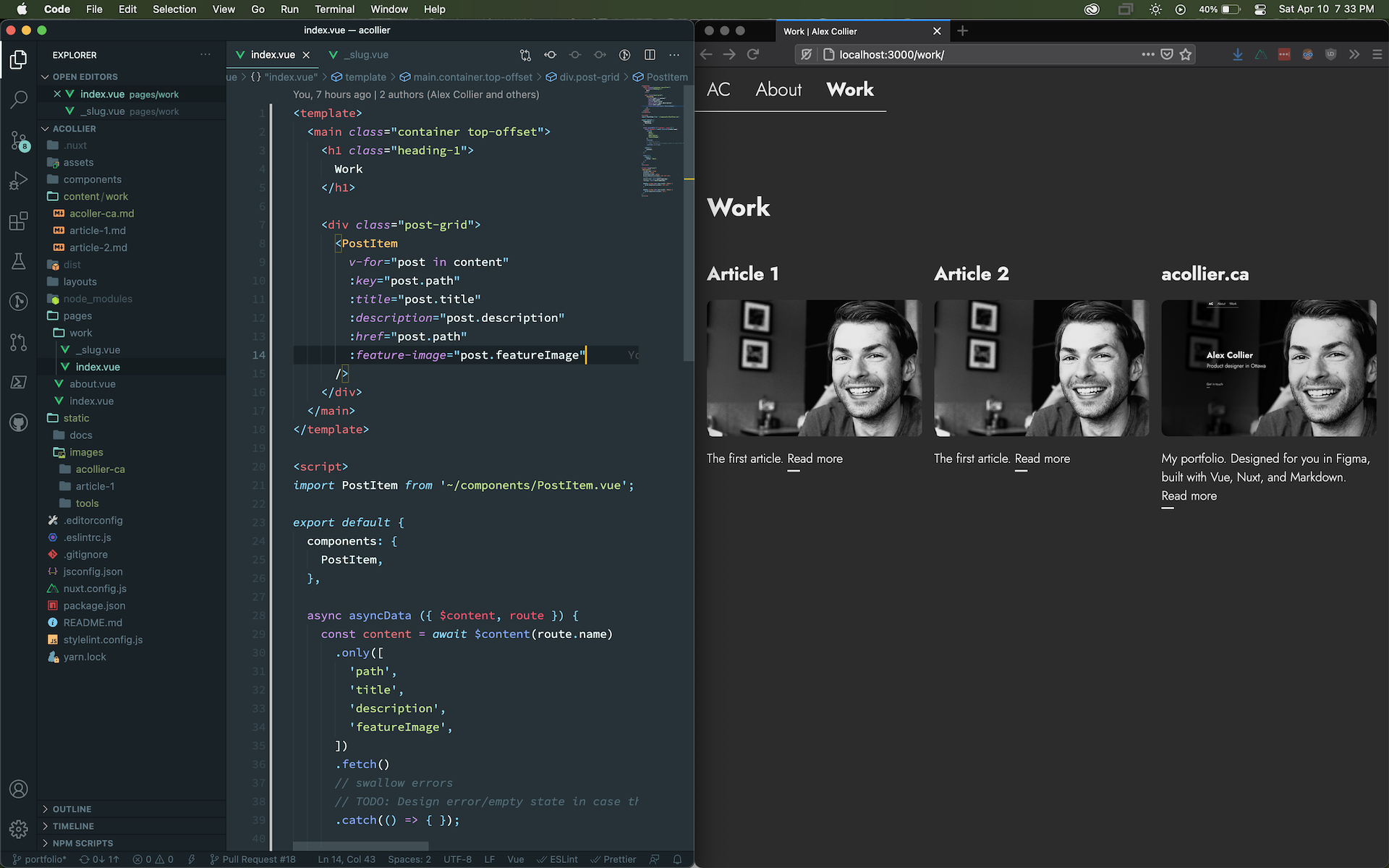
After scaffolding the project, I prioritized my pages and features, and got to work. The list ended up looking like this:
- Home page. It's where you start!
- About page. The content here is available in my resume, or LinkedIn, but it's a pretty quick win in making the site more complete.
- Portfolio page & children. Content's useless without a view, so these will have to exist regarldess of what I do for authoring.
- Authoring tools. For the initial launch, I kept this simple. I decided to just write Markdown and store it in the site repo. This should be easy enough to port to a CMS if/when the time comes.
- Initial portfolio content. This is the main point of the site, and now everything's in place to add it. Once I have this, I can consider the site's MVP complete.
- Contact page. I eventually want to implement a form, but this is arguably the
least important feature I can implement right now when
mailto:links exist. At the time of writing, I deferred development of this page and its form.
In parallel with these, I also made sure to make ensure I implemented accessibility features, and revise any shortcomings of my initial designs. Those didn't always make it back into Figma, since they were generally small, I was both the designer and developer, and I was trying to move quickly. Any larger that could be relatively safely ignored in the short term were documented to be addressed in a subsequent release.
As I completed each feature, I would merge that into the repo's primary branch. From there, Netlify would handle automated builds and deploys.
Future plans
It's hard to say whether or not a product is ever truly finished. Some ideas I have for future features are:
- Contact form
- Light theme
- Implement a CMS like Netlify CMS to formalize my content model in code
- Move /about content into a CMS
- Popout links for images in portfolio posts